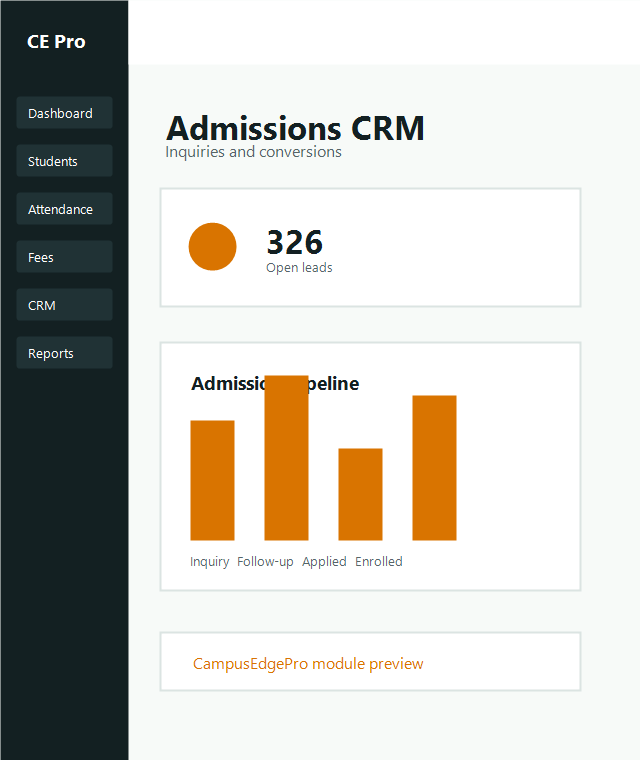
Lead Intake
Add lead
Create each inquiry with source, counselor assignment, program interest, contact profile and expected intake period.
Recommended fields
- Student and parent contact data
- Program and batch interest
- Lead source and campaign attribution
Team usage
- Assign lead owner immediately
- Mark priority for urgent prospects
- Record inquiry notes clearly
Follow-ups
Track follow-up activity
01
Log interaction outcome
Update notes after each call, visit, message or counseling session to preserve conversation history.
02
Set next action date
Schedule the next reminder or counseling milestone so no qualified lead drops from the pipeline.
03
Advance stage
Move the lead through stages such as new inquiry, engaged, application pending and admission confirmed.
Conversion
Convert lead to student
When admission is confirmed, convert the CRM record into a student profile so the operations team continues without duplicate data entry.
Conversion checklist
- Verify lead contact details
- Confirm selected course and batch
- Capture documents and payment status
- Create student profile
- Notify admin and finance teams