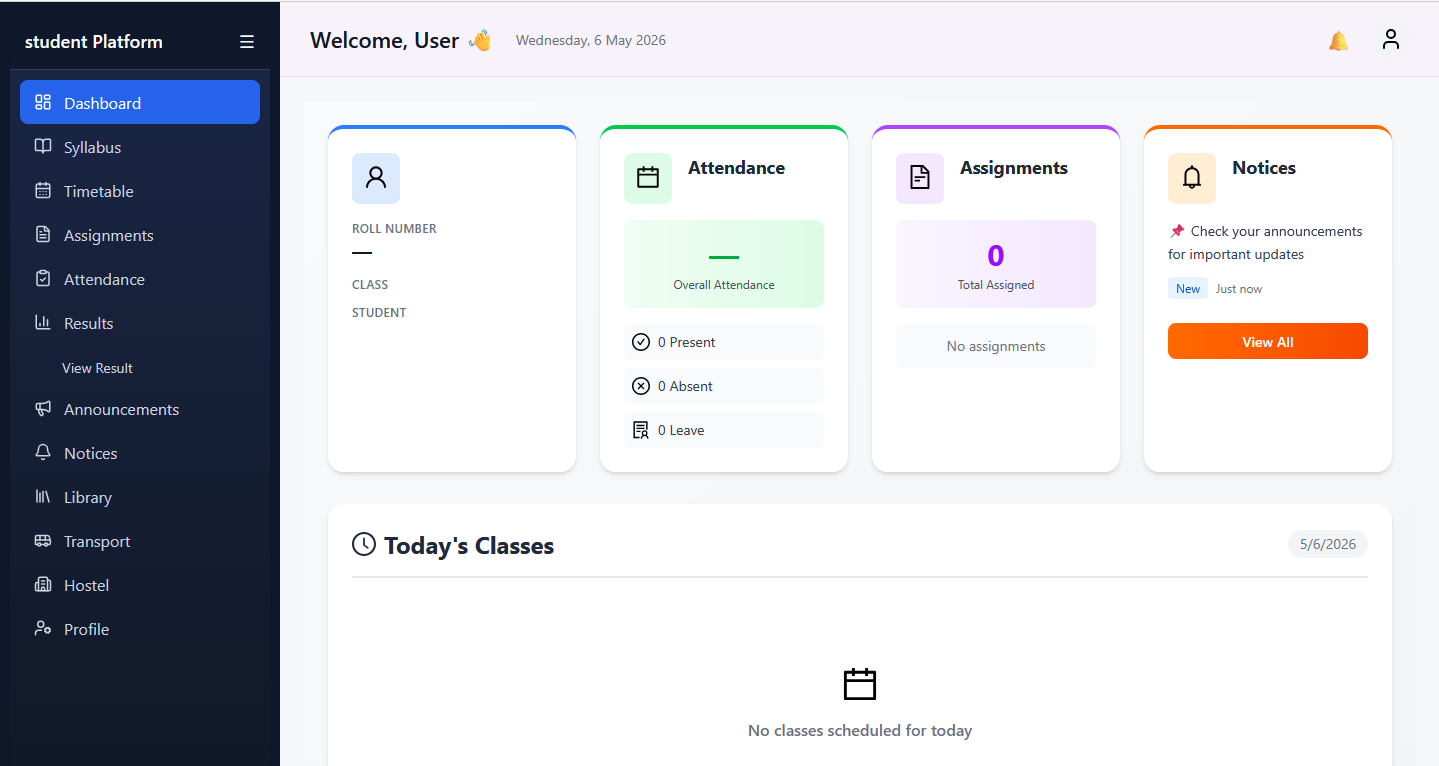
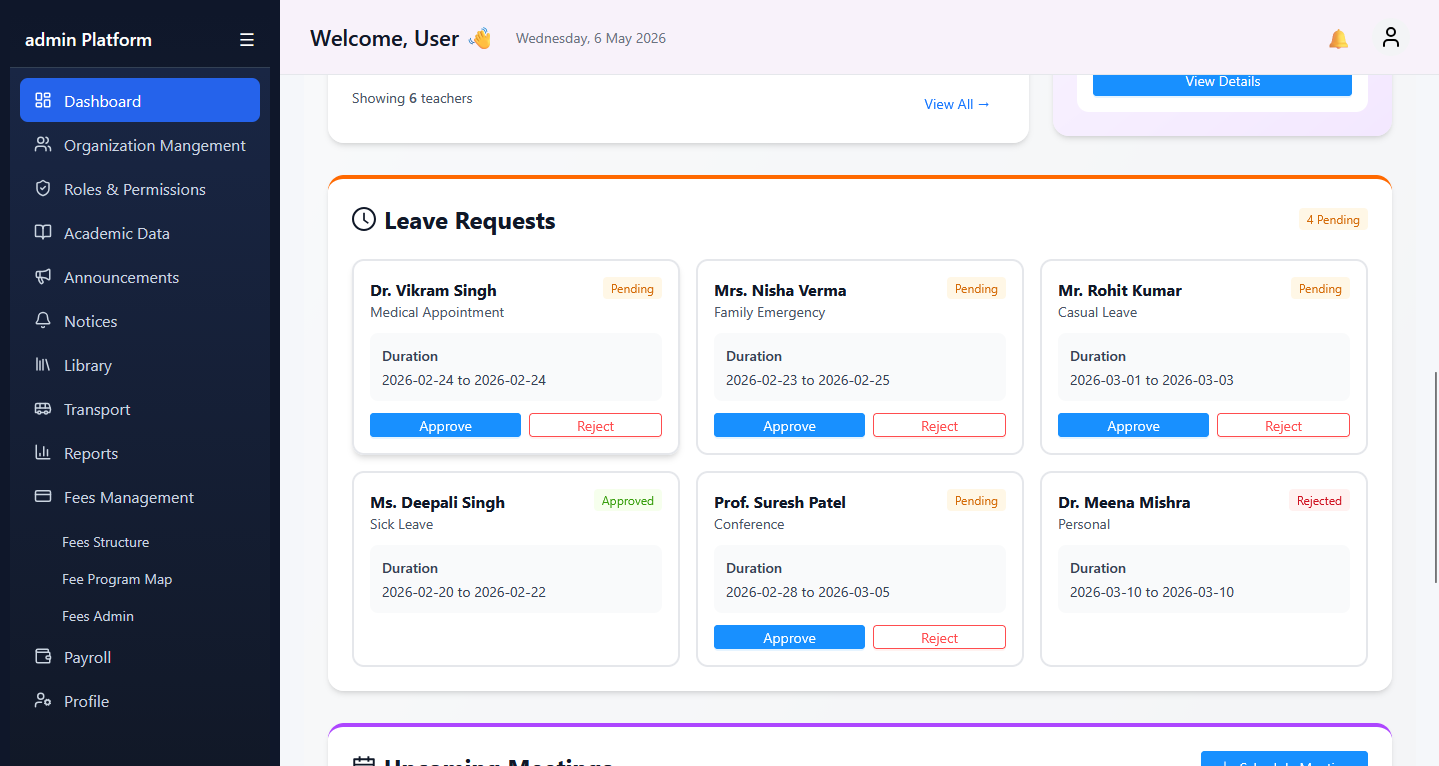
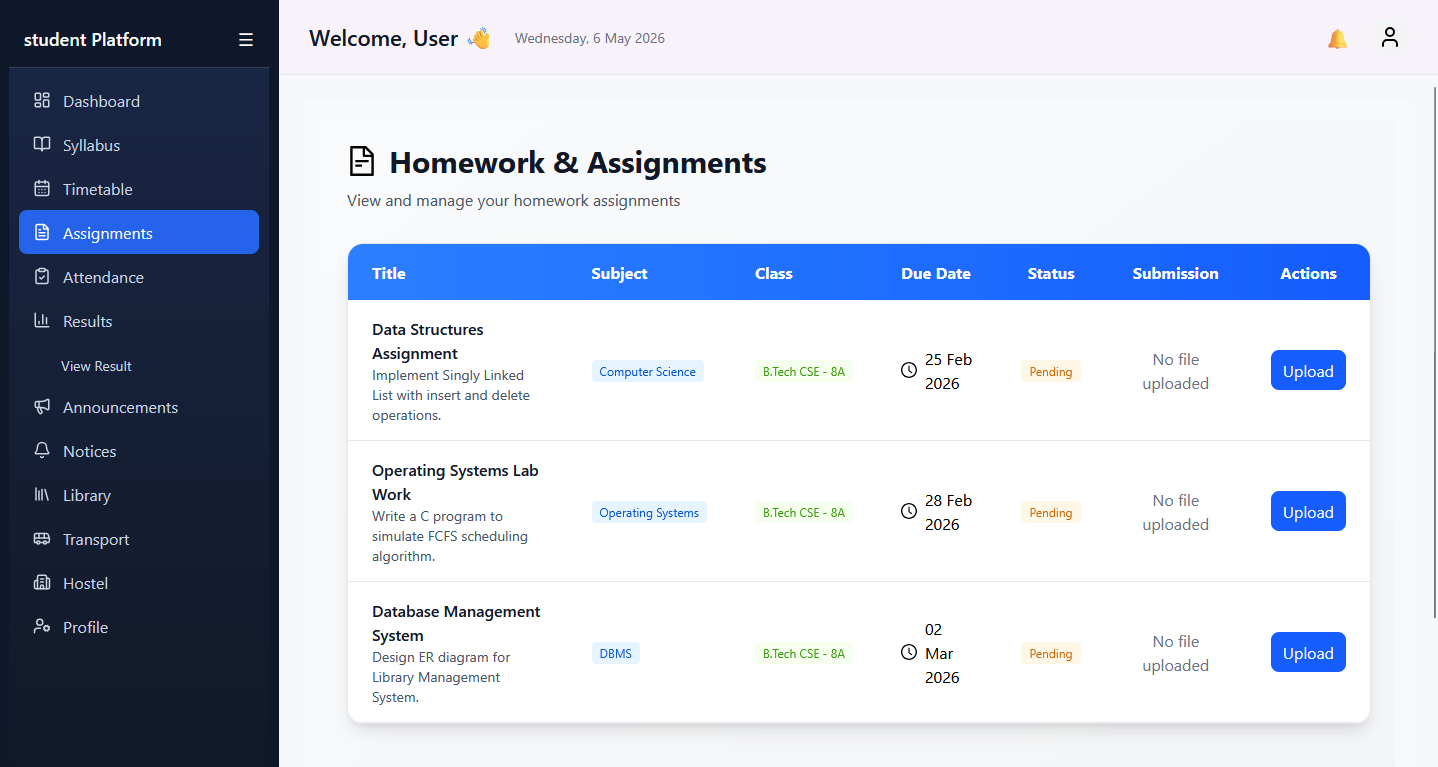
Explore guided onboarding, admin workflows, student and fee operations, CRM admissions, FAQs, and secure API references in one professional documentation experience.
Start with login, dashboard orientation and role-specific navigation before moving into deeper workflows.
Every guide is organized around real college operations for admins, student coordinators, finance teams and admissions staff.
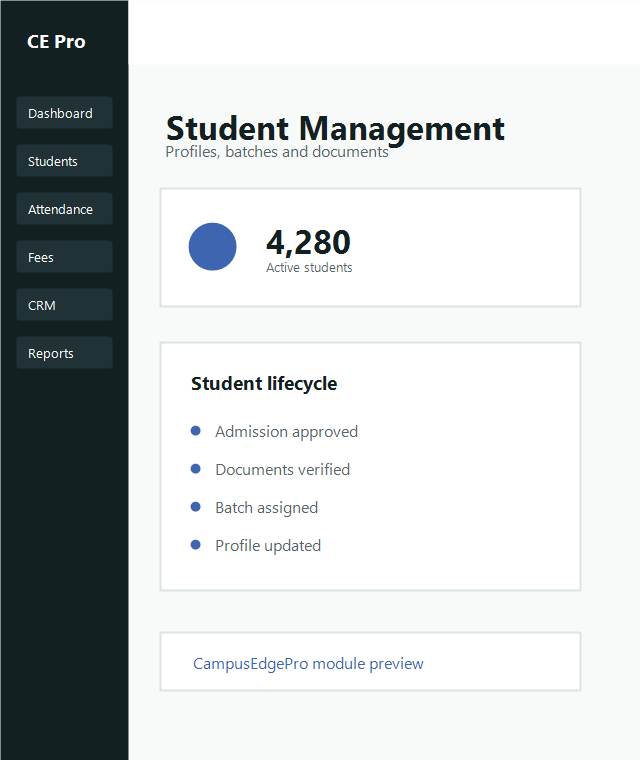
Understand what CampusEdgePro is, how users sign in and how each team sees the platform from day one.
Open section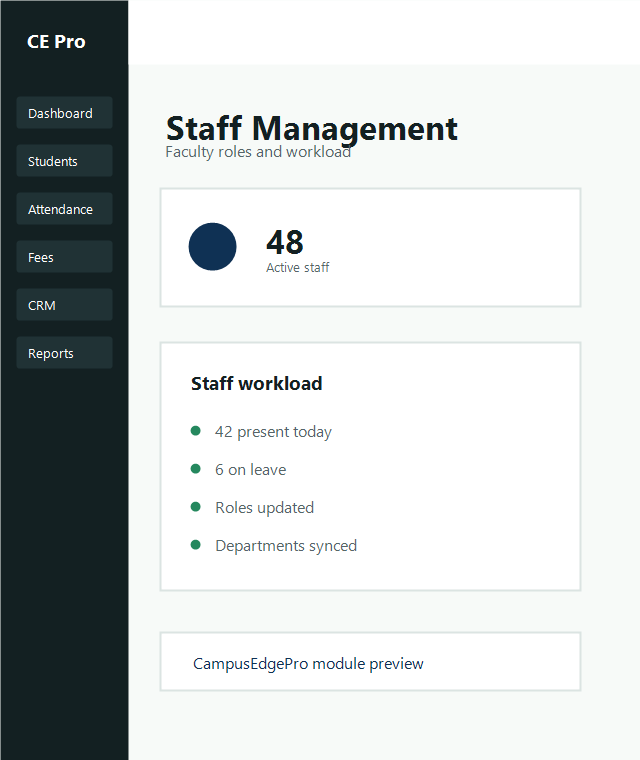
Navigate the admin foundation for user permissions, academic records, reporting and master operations.
Read admin guide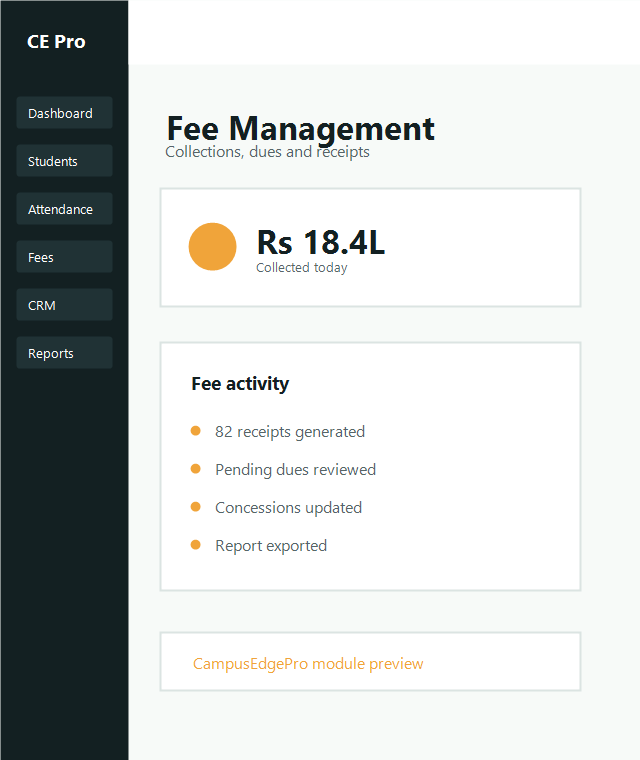
Finance teams can standardize fee setup, collections, concessions and reporting from one guided hub.
Explore finance docs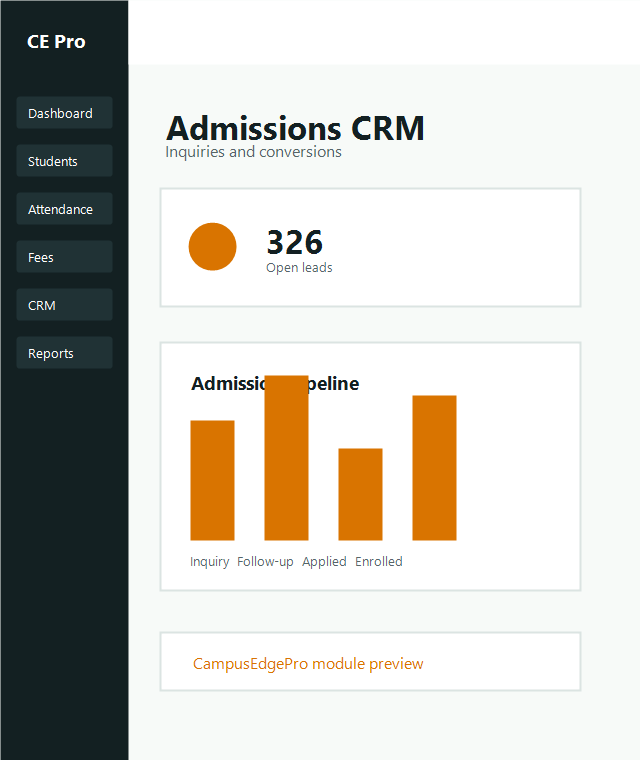
Admissions teams can track lead stages and move qualified inquiries into student onboarding workflows.
Open CRM docsUse the secure CampusEdgePro link provided by your institute administrator or implementation team.
Sign in with your assigned credentials and verify the institute name before proceeding.
If you hold multiple permissions, choose the appropriate admin, finance, staff or admissions dashboard.
Monitor new admissions, active students, pending documents and academic batch distribution.
Review daily fee collection, pending dues, concession activity and payment channel summaries.
Track inquiries, counselor assignments, follow-up schedules and conversion to student records.
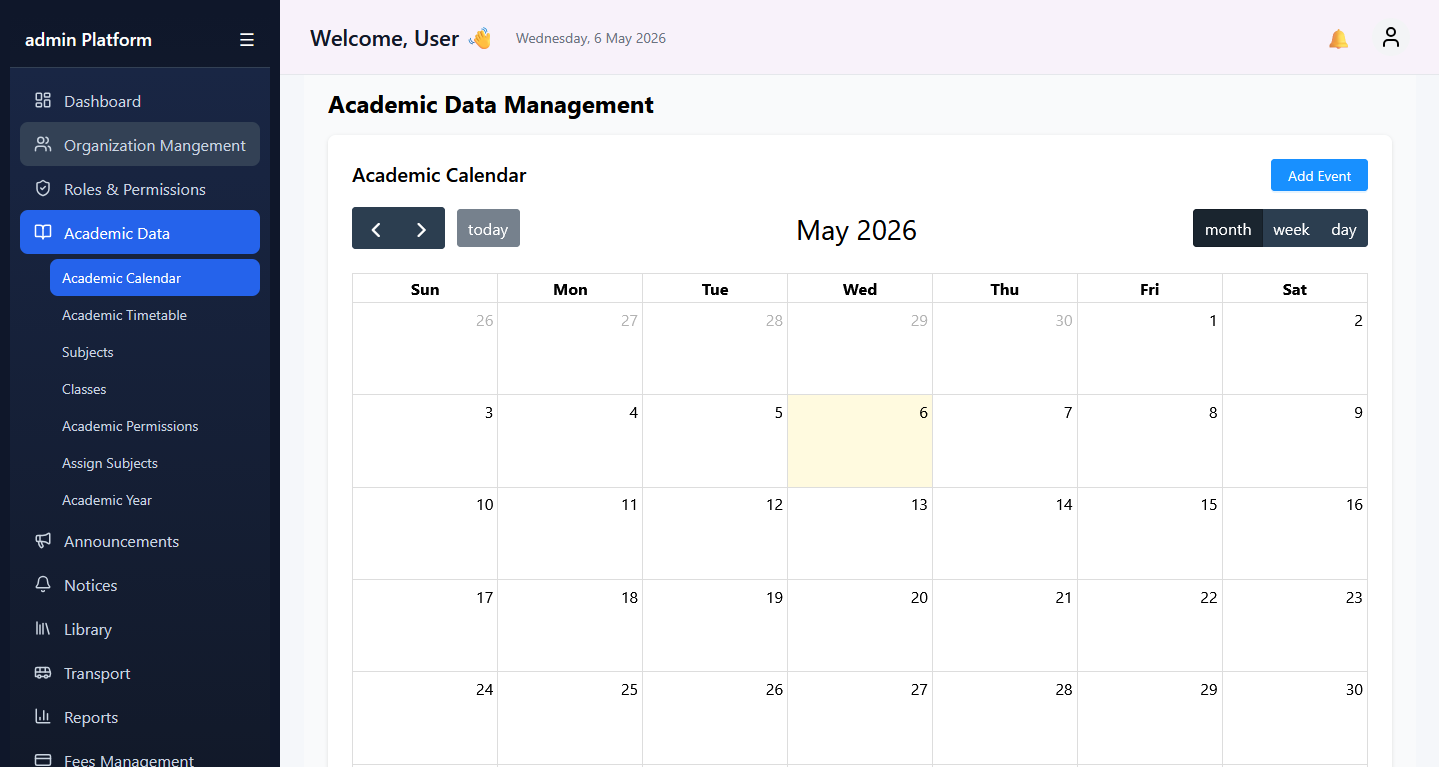
Admins manage master data, permissions, students, staff and reporting with cross-module oversight designed for college operations.
Open admin guide
Use the student guide to onboard students, inspect profile records and understand attendance visibility for each learner.
Open student guide
Configure fee structures, collect payments, apply concessions and monitor reports with documented finance processes.
Open fee docs
Admissions staff can handle lead intake, follow-up planning and final conversion into student records without manual handoff gaps.
Open CRM guideUse the reset password option on the login page or contact your institute admin to issue updated access credentials.
Open the relevant report, apply the needed filters and use the export action available under your role permissions.
Admins can create a user from the user management area, assign department and role, then share login credentials securely.
Connect CampusEdgePro with payment systems, admission portals, websites and internal BI tools using secure tokens and scoped endpoints.
Authorization: Bearer YOUR_API_TOKEN

GET /api/v1/students
POST /api/v1/students
GET /api/v1/attendance
POST /api/v1/fees/payments
GET /api/v1/reports/summary
Open API reference