Guide Your Admissions Team from Inquiry to Enrolled Student
Capture multi-channel prospective leads, schedule counselor follow-ups, and convert qualified applicants into permanent student records without losing context.
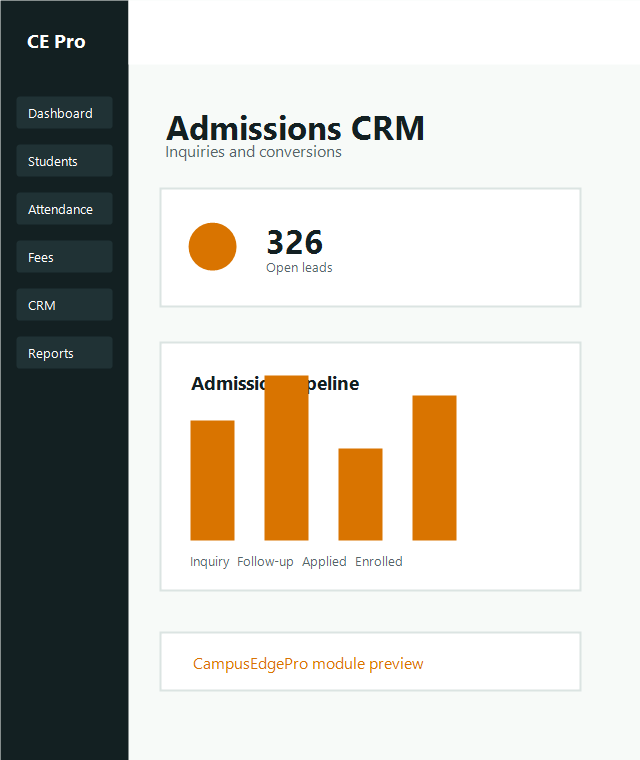
Inquiry Capture & Attribution
Capture inquiries from campus walk-ins, digital marketing portals, and Google ads with automated counselor round-robin assignment.
Recommended Data Fields
- • Student full name & parent WhatsApp number
- • Target degree (e.g. B.Tech CSE, MBA, BCA)
- • Lead source (Walk-in, Website, Education Fair)
- • Expected entry batch / academic intake
Counselor Accountability
- • Immediate owner assignment alerts
- • Hot / Warm / Cold qualification priority
- • Call logs and interaction notes timestamped
- • Scheduled next-action date & alert triggers
Track Follow-up Activity & Pipeline Milestones
Ensure no prospective lead is abandoned through standardized interaction stages.
Log Conversation Outcome
Record remarks after every phone call, WhatsApp conversation, or on-campus counseling tour.
Schedule Next Interaction Date
Pick a calendar reminder for application document submission or campus visit follow-up.
Advance Funnel Stage
Progress the lead from New Inquiry → Engaged → Application Submitted → Fee Paid.
Convert Lead to Enrolled Student
When student enrollment is finalized and seat booking fee is paid, convert the CRM inquiry into an active student record with one click.
✓ Verify student personal contact & parent emergency info
✓ Confirm allocated course, department, and semester batch
✓ Upload scanned identity proofs & prior marksheets
✓ Click "Convert to Student Dossier" → Auto-notifies Registrar & Fee Accountant
Ready to empower your admissions counseling team?
See how CampusEdgePro CRM minimizes inquiry leakage and boosts enrollment ratios.