Run Fee & Collection Workflows with Finance-Grade Clarity
Step-by-step procedures for defining tuition fee heads, collecting counter payments, printing barcoded vouchers, approving concessions, and exporting balance sheets.
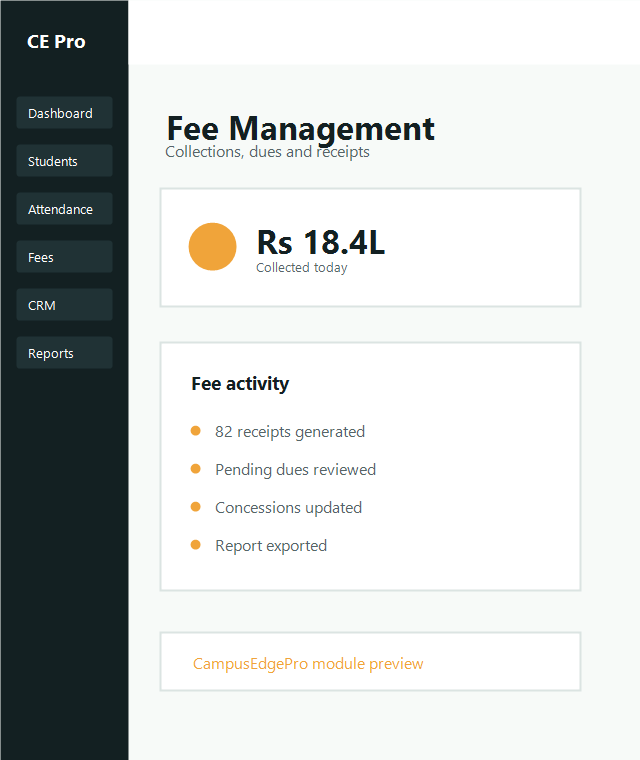
Fee Structure & Installment Schedules
Configure semester tuition heads, lab development funds, security deposits, and transport routes before academic intake begins.
Setup Essentials
- • Tuition and exam fee heads separation
- • Installment schedule with penalty grace periods
- • Scholarship / category concession quotas
- • Refundable caution deposit tracking
Pre-Publish Checks
- • Ensure batch mapping matches university guidelines
- • Verify installment sums equal total course fee
- • Verify barcode format for receipt slips
- • Test payment gateway webhooks
Collect Fees at Counter or Online
Cashiers can process payments in under 15 seconds with automated dues calculation.
Search Student Account
Look up the student by Enrollment ID, roll number, or mobile number to see pending dues and installments.
Select Payment Mode & Amount
Support for Cash, UPI QR code, Cheque / DD, or Net Banking with reference transaction numbering.
Instant Barcoded Voucher Issuance
Print the 3-part receipt voucher (Student Copy, Accounts Copy, Bank Copy) and SMS the confirmation link to parents.
Daily Counter Settlement & Balance Sheets
Accountants and auditors can close the daily ledger with 1-click summary sheets.
• Daily Counter Cashier Closing Slip (Cash / UPI / Cheque split)
• Cohort-wise Defaulter & Pending Dues Report
• Statutory Concession & Fee Waiver Register
• 1-Click Tally XML & Excel CSV Transaction Export
Ready to eliminate fee reconciliation discrepancies?
See how CampusEdgePro fee management streamlines counter collections.