Manage Every Student Record with a Complete Lifecycle View
Step-by-step procedures to admit students, maintain encrypted digital document vaults, manage semester batch promotions, and monitor academic records.
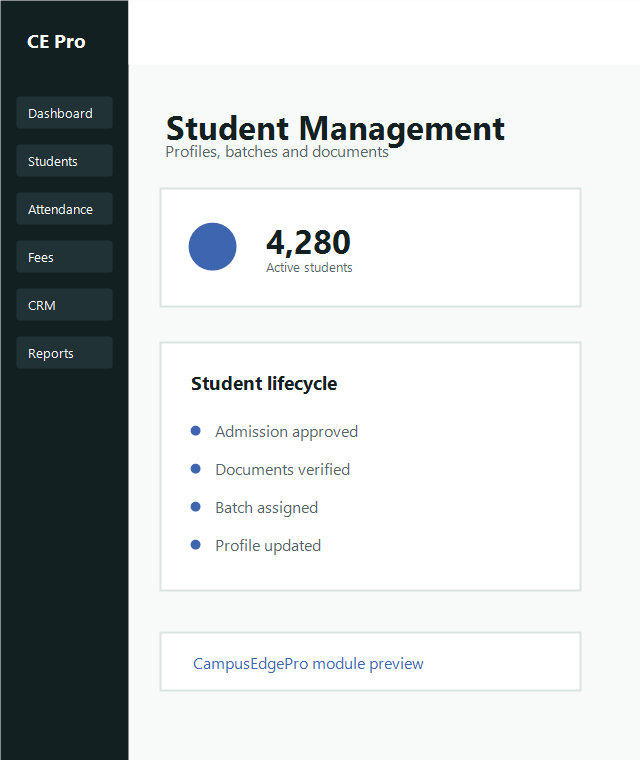
New Admission Intake
Admissions officers or registrars can create student records either directly or via 1-click lead conversion from the Admissions CRM.
Open Student Intake
Navigate to Students → New Admission and select the appropriate Academic Session and Branch.
Fill Identity & Guardian Information
Record student legal name, date of birth, blood group, guardian contact details, and permanent address.
Allocate Batch & Fee Slab
Assign the student to their cohort batch (e.g., Section A) and apply the correct category fee structure.
View Student Profile
Search by name, roll number, or phone number to access complete academic history.
- Verified document attachments (10th/12th/Aadhaar)
- Real-time ledger of paid fee installments & dues
- Examination marksheets & semester CGPA
Track Student Attendance
Review lecture-by-lecture presence, biometric check-ins, and automated absentee warnings.
- Subject-wise and monthly attendance charts
- Automatic 75% shortage admit card alerts
- Parent SMS notification dispatch history
Ready to organize your student registry?
See how CampusEdgePro simplifies cohort promotions and student records management.