Admin Guide

Run institute administration with control and clarity.

This guide helps administrators manage students, staff, user permissions and institutional reporting inside CampusEdgePro.

Role: Admin Updated workflow format Reports and access included
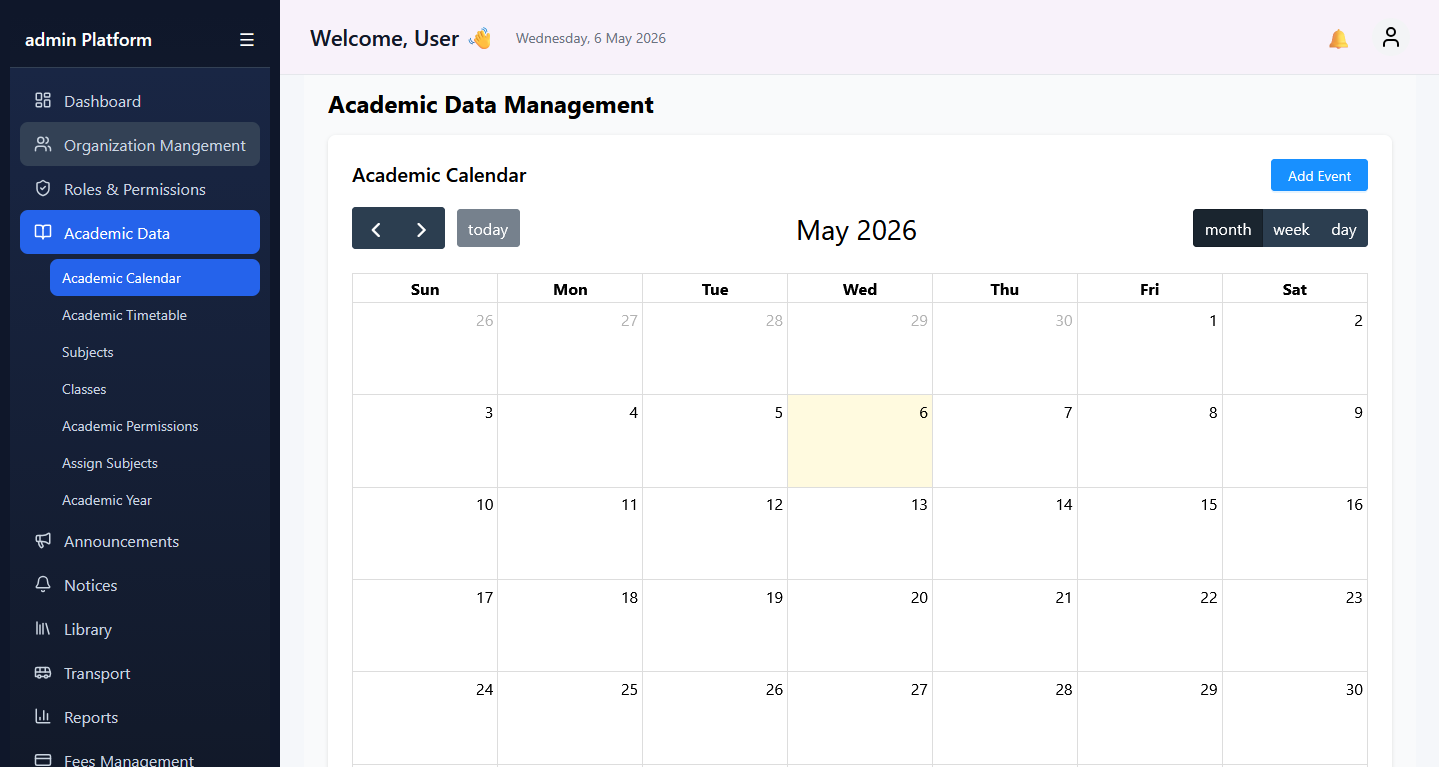
Admin guide dashboard view
Student Operations

Manage students

01
Open Student Management

Navigate to the student module from the admin dashboard and select the intake or records section.

02
Create or update the record

Enter personal details, guardian information, course assignment, batch, documents and status details.

03
Review linked data

Verify attendance, fee setup and academic profile links so the student lifecycle stays complete.

Staff Setup

Add staff

Open Staff Management, create the employee profile, assign department, designation and access permissions, then activate the user account.

  • Store qualification and contact details
  • Map department and reporting hierarchy
  • Grant role-based ERP permissions
Governance

Best admin practices

Keep institute master data current and review pending approvals daily so operations stay consistent.

  • Audit role access every term
  • Review incomplete student records weekly
  • Monitor exceptions across finance and attendance
Reporting

Generate reports

Admins can generate operational and management reports by applying the correct module, date range and institute filters before export.

Workflow
1. Open Reports
2. Choose module and report type
3. Apply date range and batch filters
4. Preview result
5. Export as needed