Resolve common ERP questions quickly and clearly.
This support guide answers the most frequent questions from admins, staff and finance teams working inside CampusEdgePro.
How do I reset a password?
Use the reset password option on the login page, or ask your institute admin to issue updated credentials from user management.
How do I export data from a module?
Open the relevant report, select the date range and filters, then choose the export action available for your user role.
How do I add a new user?
Admins can create users from the user management area, assign roles and departments, and securely share their login information.
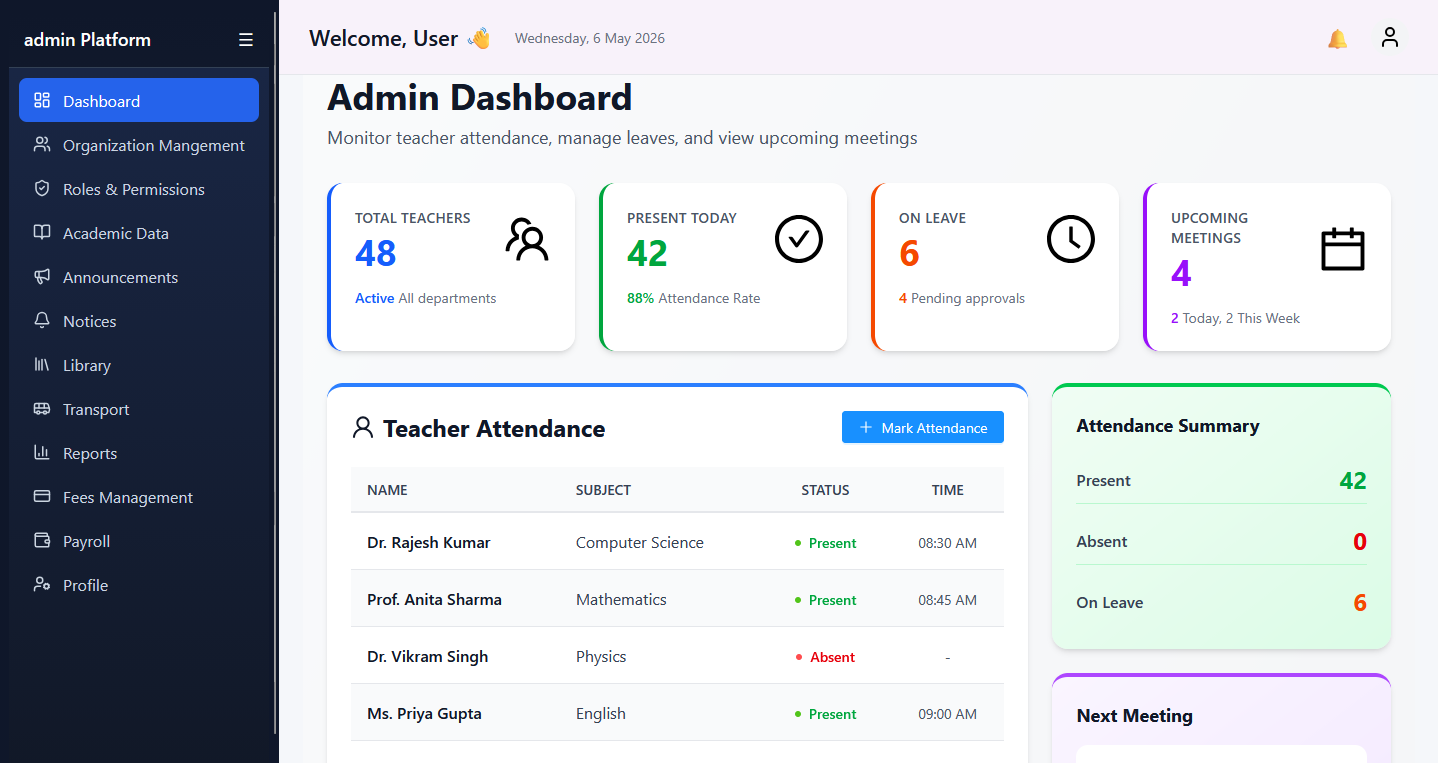
Why can I not see a module on my dashboard?
Your role may not include that permission. Contact your admin to review module visibility and assigned access rights.
Can finance and admissions teams work at the same time?
Yes. CampusEdgePro supports role-based parallel workflows, so finance, admissions and academic teams can operate in their own work areas safely.