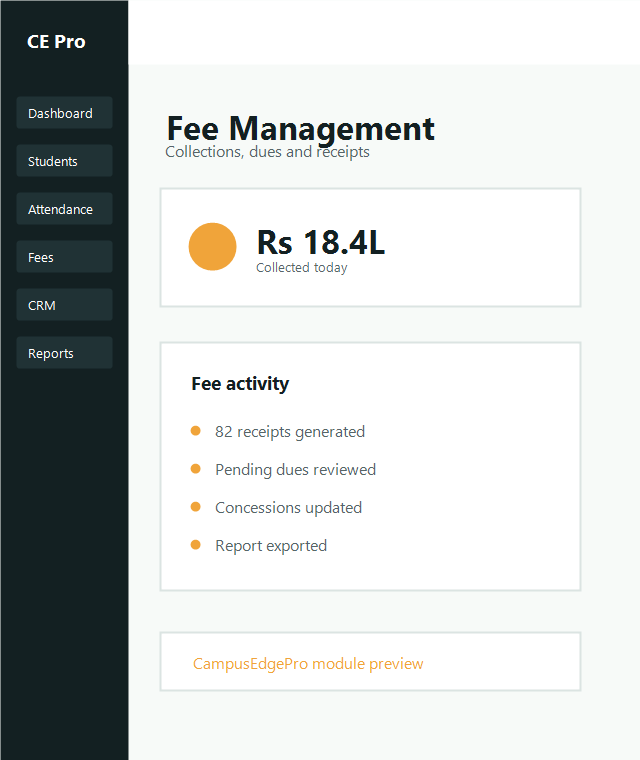
Fee Management

Run fee and collection workflows with finance-grade clarity.

This guide covers fee structure setup, payment collection, receipts, concessions and reporting for institute finance teams.

Fee heads and installments Collections and receipts Reporting and dues
Fee management documentation hero
Configuration

Create fee structure

Set up fee heads, amount, due schedule, installment plans and applicable courses or batches before live collections begin.

Include in setup

  • Tuition and non-tuition heads
  • Semester or yearly due schedules
  • Scholarship or concession applicability

Recommended checks

  • Map structure to batch and program correctly
  • Review installment totals before publish
  • Confirm receipt format and payment mode availability
Collections

Collect fees

01
Open the student fee profile

Select the student, view outstanding heads and confirm pending installments or concessions.

02
Record payment details

Choose amount, payment mode, reference number and note exceptions such as waiver or partial payment.

03
Issue receipt

Generate the receipt immediately and confirm the updated due balance in the student ledger.

Reporting

Fee reports

Use collection, dues, concession and student-ledger reports to review finance performance and exceptions quickly.

Common finance views
- Daily collection summary
- Batch-wise dues
- Concession register
- Student-wise payment ledger
- Payment mode reconciliation