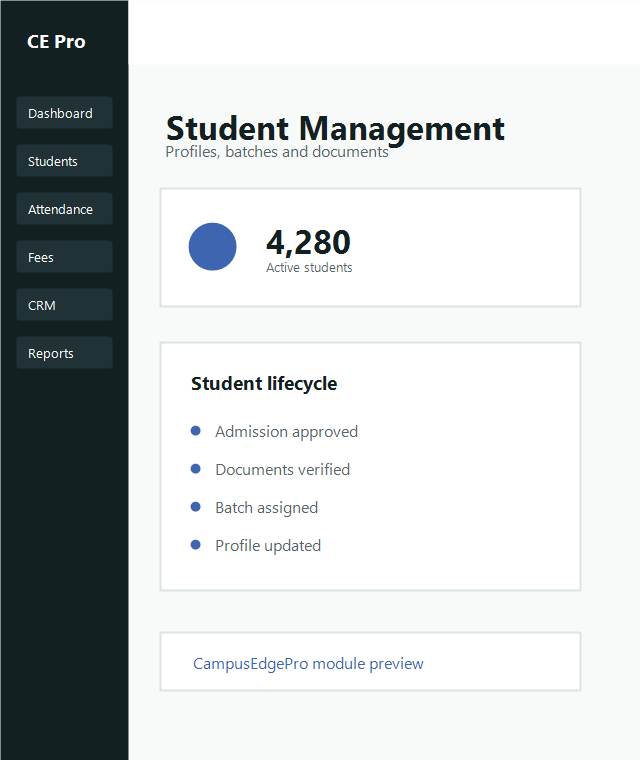
Student Module

Manage every student record with a complete lifecycle view.

Use this guide to add students, inspect detailed profiles and review attendance visibility across the academic journey.

Admissions ready Profiles and documents Attendance visibility
Student module documentation hero
Admissions

Add student

01
Start a new admission record

Open the student intake area and create a fresh student entry from inquiry conversion or direct admission.

02
Complete profile fields

Enter student contact data, guardian information, course, batch, identity details and required documents.

03
Confirm assignments

Verify academic year, class allocation and fee mapping before finalizing the student record.

Profiles

View profile

Search by name, admission number, course or batch to open the full student record.

  • Personal and guardian details
  • Course, batch and academic assignment
  • Documents, fee status and attendance summaries
Attendance

Track student attendance

The attendance tab helps staff and admins review daily status, monthly trends and low-attendance alerts.

  • Daily and monthly view
  • Defaulter visibility
  • Class and batch-wise summaries